
Kitchen display
Orders, clearly arranged for the kitchen
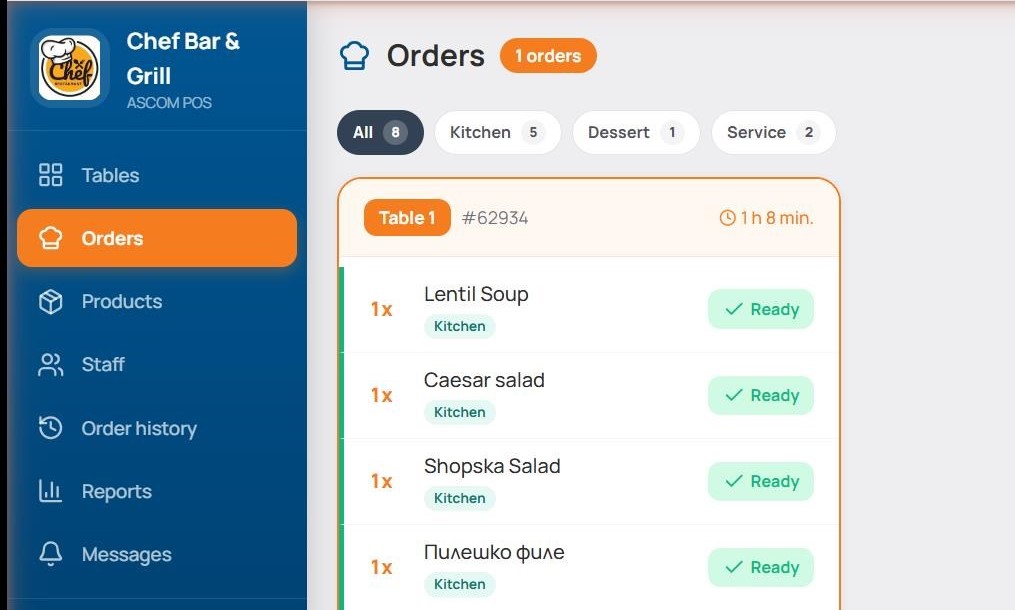
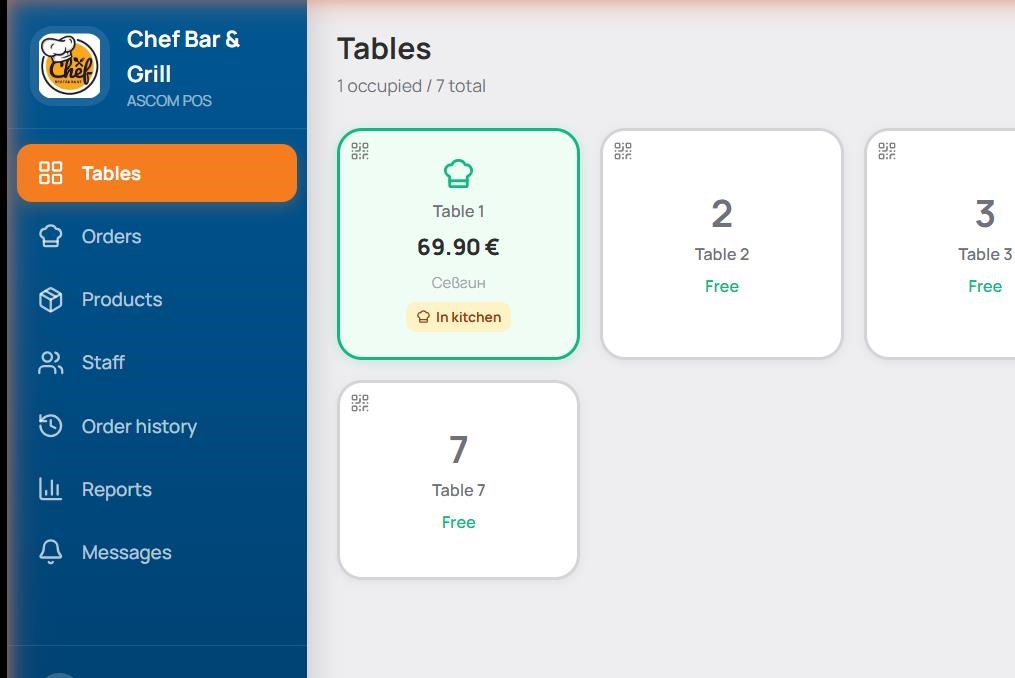
The kitchen display shows incoming items grouped by order and table. The cook marks items ready; prep time is tracked automatically.
What the kitchen sees
- Live orders — sorted by arrival time.
- Items with modifiers — "no onion", "extra cheese" — clearly marked.
- Time since send — in minutes, with a color warning when slow.
- Mark ready — one tap removes the item from the screen.
- Completed history — for reference during the shift.
Kitchen · Bar · Desserts — separately
The system routes each item to the right station. The bar sees drinks, the kitchen meals, the dessert station desserts.
- Per-product config — "Beer" → bar, "Kavarma" → kitchen, "Tiramisu" → desserts.
- Multiple stations — "Cheese bruschetta" can go to both kitchen and bar.
- Printer or screen — the same routing works for both outputs.