
Visible/hidden items
An item can be active in POS but hidden from the QR menu.
The QR code on the table opens the menu directly in the browser. Guests browse categories and items and can place orders that appear in the system.
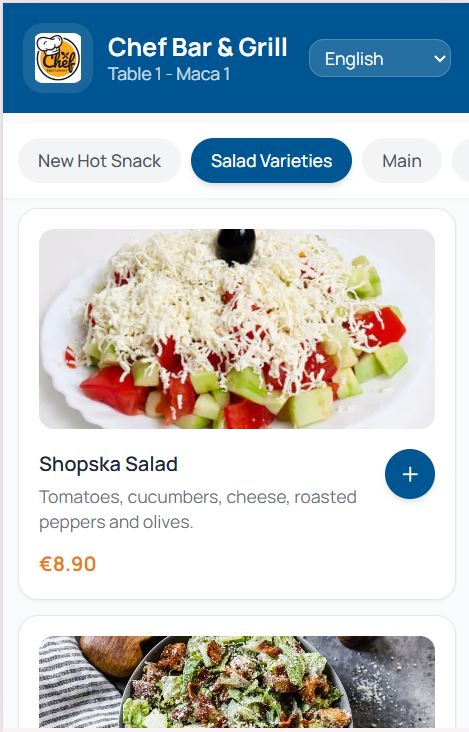
The QR menu reads directly from the venue catalog.
An item can be active in POS but hidden from the QR menu.
The menu is available to guests in the configured language. Dual currency prices if configured.
A QR-menu order arrives in the system and the waiter accepts it before it goes to the kitchen.